All Amarillo Public Library branches will be closed on Monday, January 19, in observance of Martin Luther King Jr Day.
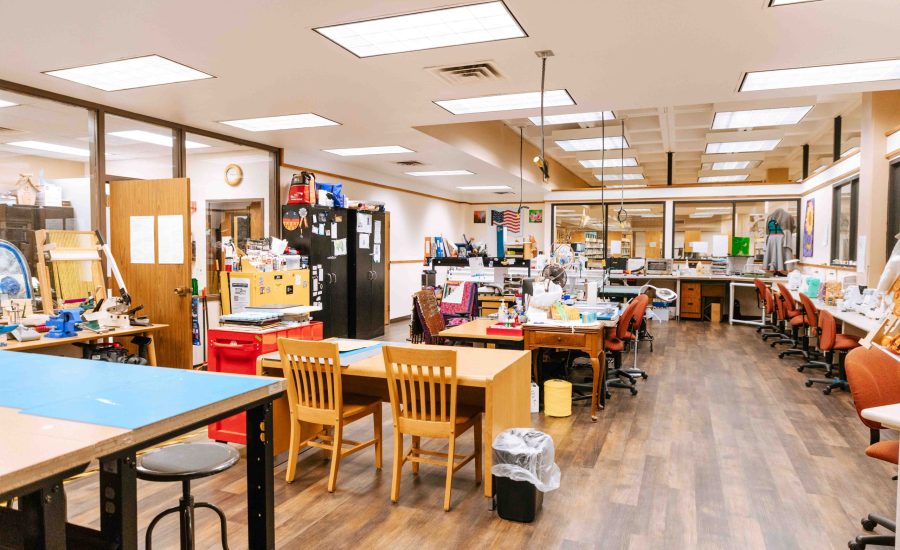
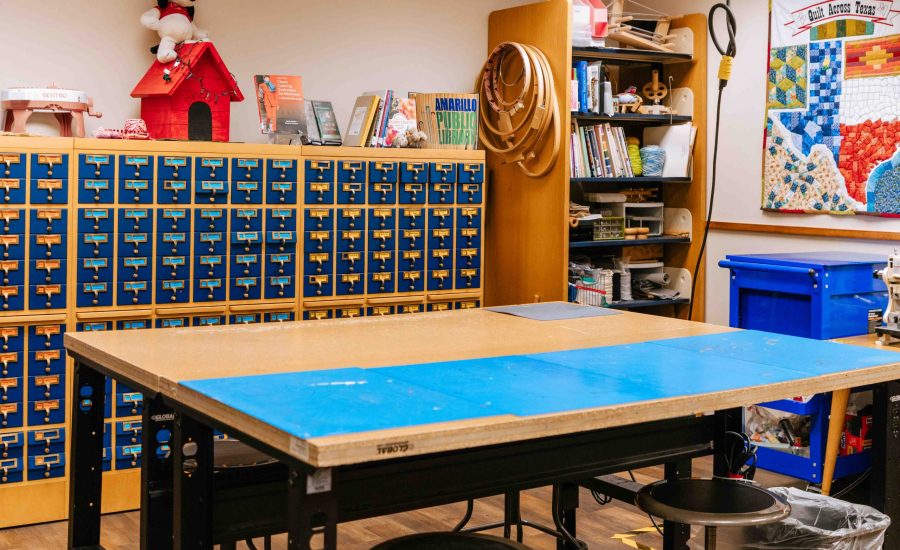
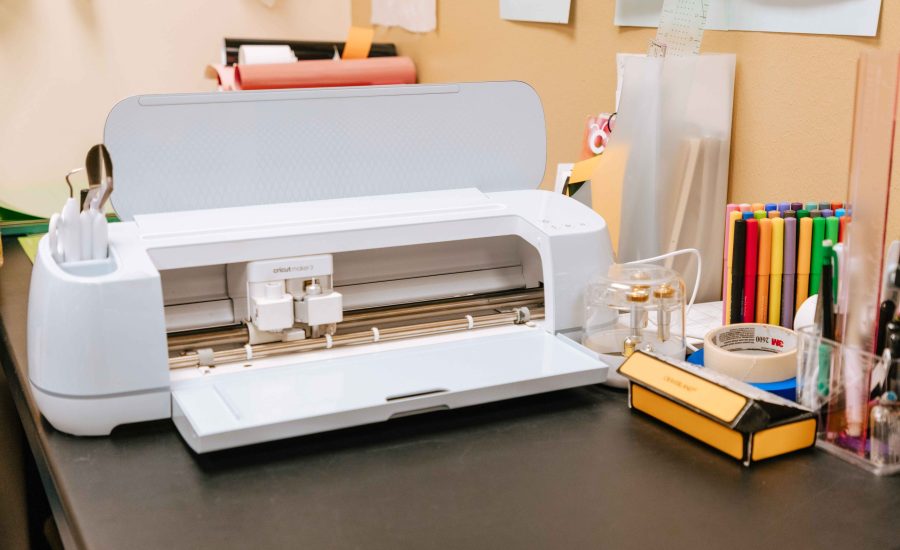
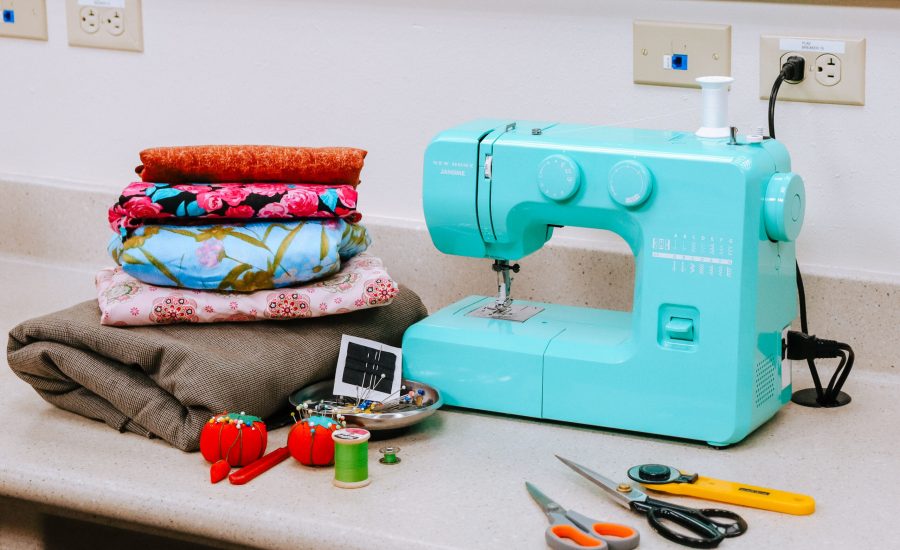
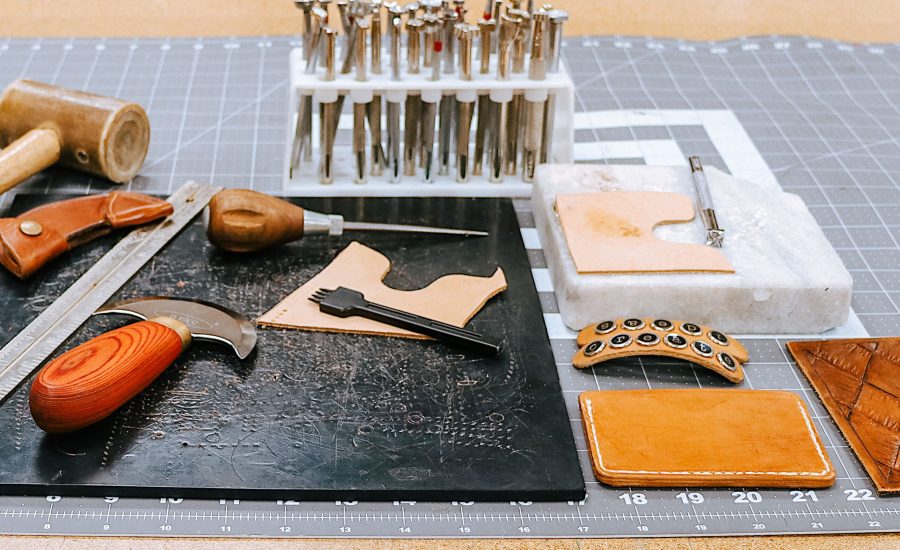
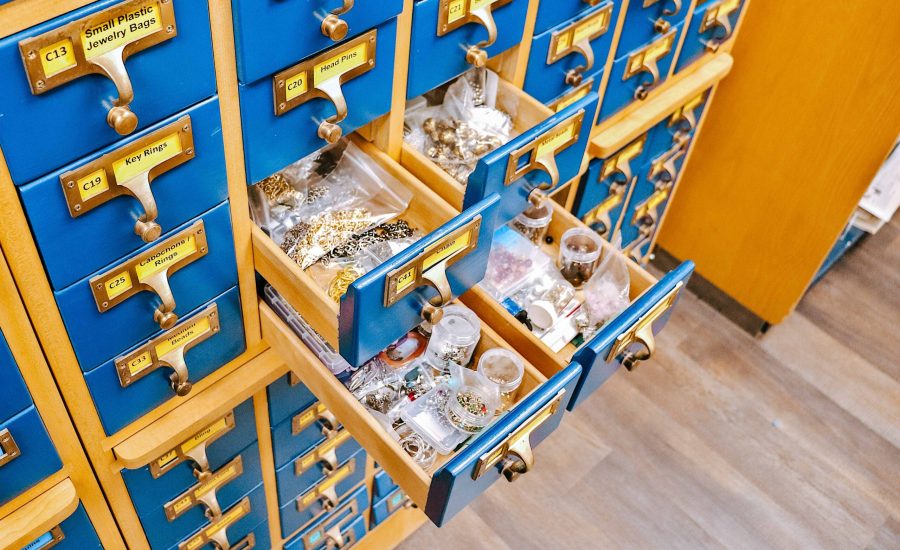
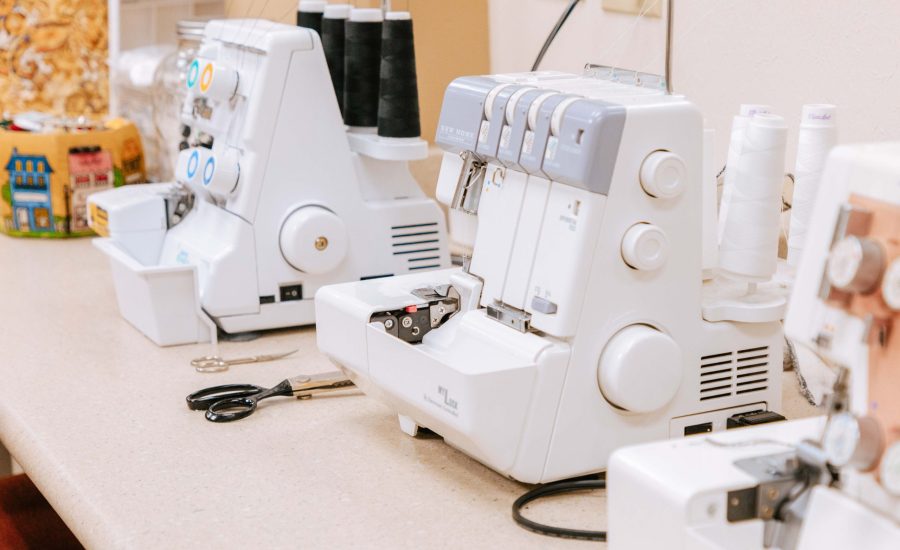
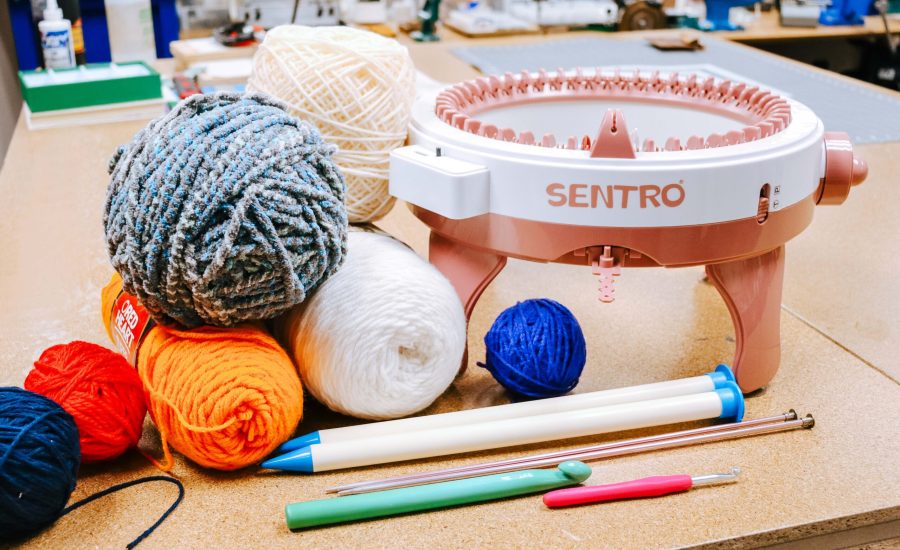
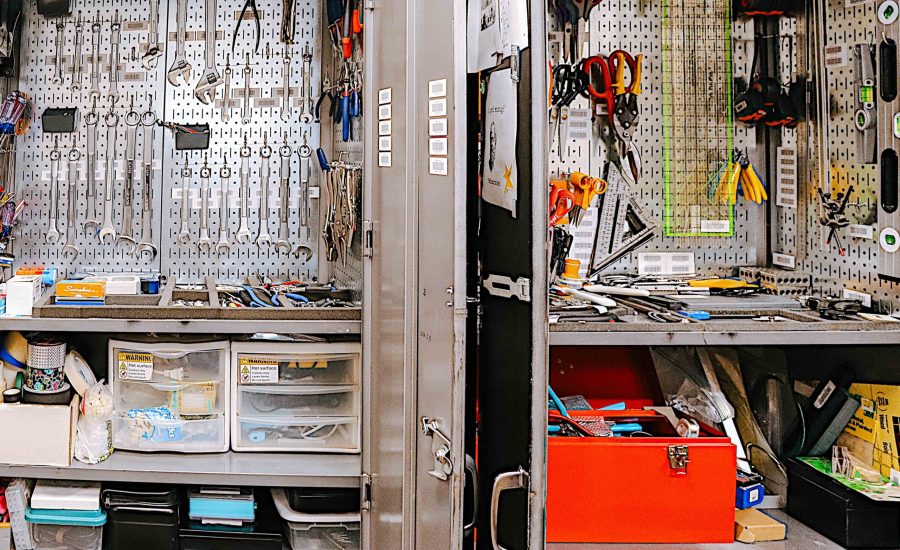
Located on the second floor of the Downtown Library, the MakerSpace is a place where patrons can complete art projects, learn the basics of any craft we have, upcycle items, and do their own mending and repairs. MakerSpace construction was made possible by support from the Amarillo Area Foundation, the Texas State Library and Archives Commission, the Institute of Museum and Library Services, and the Friends of the Amarillo Public Library.
| Monday | 9:30AM-7PM |
| Tuesday | 9:30AM-7PM |
| Wednesday | 9:30AM-7PM |
| Thursday | 9:30AM-5:30PM |
| Friday | 9:30AM-5:30PM |
| Saturday | 9:30AM-5:30PM |
| Sunday | 2:30PM-5:30PM |
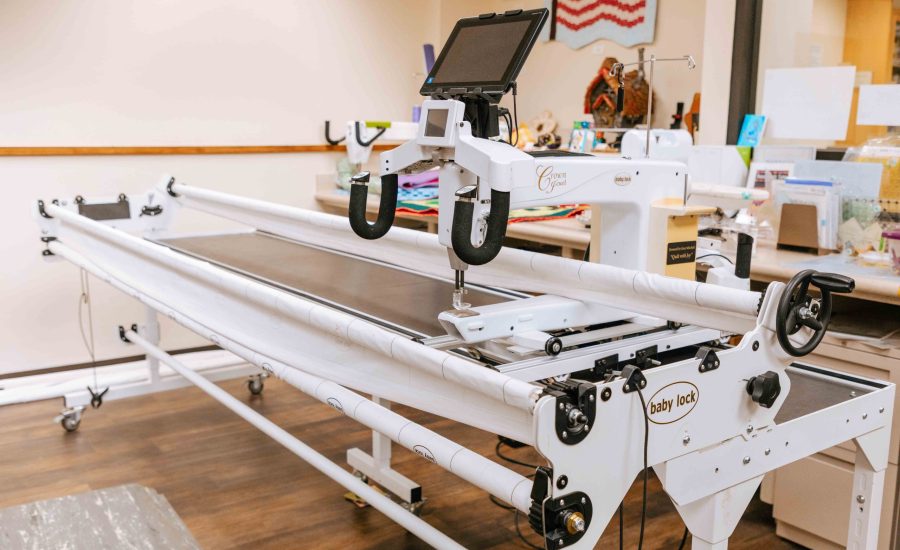
Patrons must call to reserve the Longarm. Our team will be on hand to teach and assist you during your appointment. Click here to view more information on the Longarm quilting machine, or call with any questions.
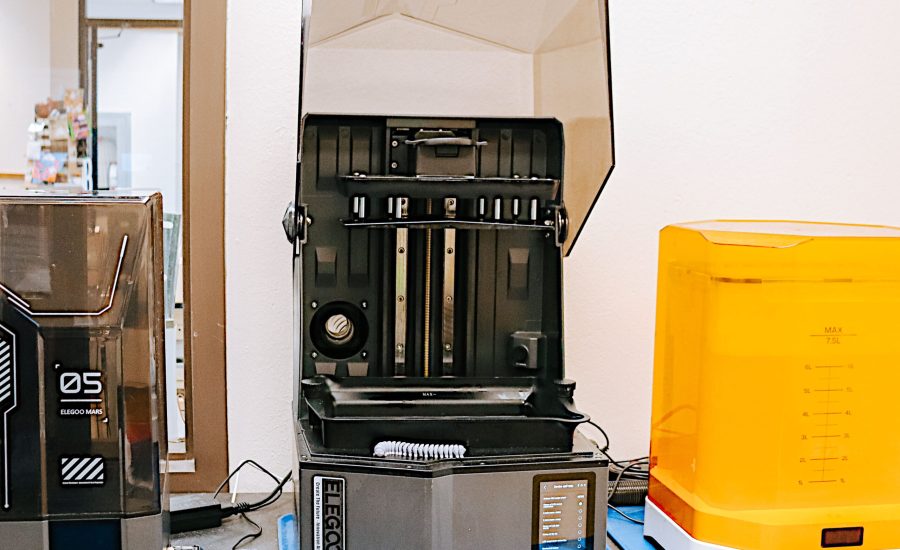
The MakerSpace has a 3D printing service available for patrons. Files can be dropped off during our open hours, except on Sundays. Here’s how you can have prints made:
The MakerSpace accepts donations, but we kindly request that all patrons call before bringing anything. Donations may include tools, materials, or equipment that are in good condition.
The City of Amarillo offers translations of content on Amarillo.gov through the Google Translate web translator (translate.google.com). Because Google Translate is an external service, the City does not control the quality or accuracy of translated content. As a result, some translations may contain inaccuracies, and there may be issues with the appearance of translated pages, including errors in images.
If you encounter incorrect or substandard translations, you can help improve them by contributing better translations using Google Translate:
For more information on contributing to Google Translate, visit Google Translate’s help page.
Please note that the City of Amarillo does not control the process by which contributed translations are incorporated into Google Translate.
The City of Amarillo is dedicated to enhancing the accessibility and multilingual content available on our website.
Library branches are closed on the following holidays. If a holiday falls on a Saturday, the holiday shall be observed on that Saturday and the preceding Friday. If it falls on a Sunday, it will be observed on that Sunday and the following Monday.
Additional Closures
Library branches may close due to inclement weather, extended utility outages, repairs, or construction. Closures will be announced as soon as possible on the library website and social media.
The chart shows the dollar amounts of property taxes rebated per year over the last five fiscal years, broken down by agreement type. There were no Chapter 380 property tax rebates in the first two years listed. The total amount increased slightly each year, with a more significant increase in the most recent year.
Numerical values presented on the image:
| Fiscal Year 2020/2021 | Fiscal Year 2021/2022 | Fiscal Year 2022/2023 | Fiscal Year 2023/2024 | Fiscal Year 2024/2025 |
Chapter 311 | $533,080 | $547,426 | $574,947 | $591,249 | $821,350 |
Chapter 380 | $0 | $0 | $37,387 | $39,172 | $61,013 |
The bar chart shows the amount of property taxes rebated in the past five fiscal years, broken down by agreement type. The horizontal axis shows each of the past five fiscal years and the vertical axis shows the dollar amount rebated. For each fiscal year there is vertical column, comprised of two stacked columns, each of which representing the different agreement types.
The chart shows the number of businesses that received a tax abatement from the City of Amarillo in the past five fiscal years. The 2020/21 and 2021/22 fiscal years each had four active abatements, 2022/23 had five, and 2023/24 and 2024/25 each had seven.
Numerical values presented on the image:
| Fiscal Year 2020/2021 | Fiscal Year 2021/2022 | Fiscal Year 2022/2023 | Fiscal Year 2023/2024 | Fiscal Year 2024/2025 |
Active Abatements Per Year | 4 | 4 | 5 | 7 | 7 |
The bar chart shows the number of businesses that received a tax abatement from the City of Amarillo in the past five fiscal years. The horizontal axis shows each of the past five fiscal years and the vertical axis shows the number of active abatements each year. Each year has one column, with the height indicating number of active abatements in that year.
The chart shows the dollar amounts abated over the past five fiscal years from Chapter 312 tax abatement agreements. Each fiscal year shows a larger dollar amount abated, with minor growth over the first three years, a higher increase in the fourth year, and minor growth again in the fifth year.
Numerical values presented on the image:
| Fiscal Year 2020/2021 | Fiscal Year 2021/2022 | Fiscal Year 2022/2023 | Fiscal Year 2023/2024 | Fiscal Year 2024/2025 |
Taxes Abated by City of Amarillo | $510,061 | $623,017 | $679,849 | $965,261 | $1,143,899 |
Total Abated by All Entities Including City of Amarillo | $1,569,512 | $1,926,332 | $2,103,099 | $2,884,936 | $2,959,496 |
The bar chart represents the amount of taxes abated over the past five fiscal years. The horizontal axis shows each of the past five fiscal years and the vertical axis shows the dollar amount abated. The bar representing taxes abated by the City of Amarillo is sightly offset to the side of the bar representing the amount abated by all participating tax entities for each fiscal year. This shows that the amount abated by the City of Amarillo is a part of the total amount abated by all entities.
This chart shows the dollar amounts rebated by the City of Amarillo from economic development incentive agreements over the past five fiscal years. Each year is broken down by rebate type, including property tax rebates, hotel occupancy tax rebates, and sales tax rebates. Each fiscal year shows a slight increase in total dollars rebated, with a more drastic increase in the most recent fiscal year.
Numerical values presented on the image:
| Fiscal Year 2020/2021 | Fiscal Year 2021/2022 | Fiscal Year 2022/2023 | Fiscal Year 2023/2024 | Fiscal Year 2024/2025 |
Property Tax Rebates | $533,080 | $547,426 | $612,334 | $630,421 | $882,363 |
Hotel Occupancy Tax Rebates | $686,747 | $753,112 | $794,828 | $871,423 | $808,348 |
Sales Tax Rebates | $0 | $21,046 | $55,528 | $45,881 | $368,716 |
The bar chart represents the amount rebated by the City of Amarillo for each type of tax rebate over the past five fiscal years. The horizontal axis shows each of the past five fiscal years and the vertical axis shows the dollar amount rebated. The different rebate types are stacked vertically in each fiscal year, with the height representing the total dollar amount rebated.